
Why Phone Heats Up While Charging: Causes and Easy Fixes
Introduction
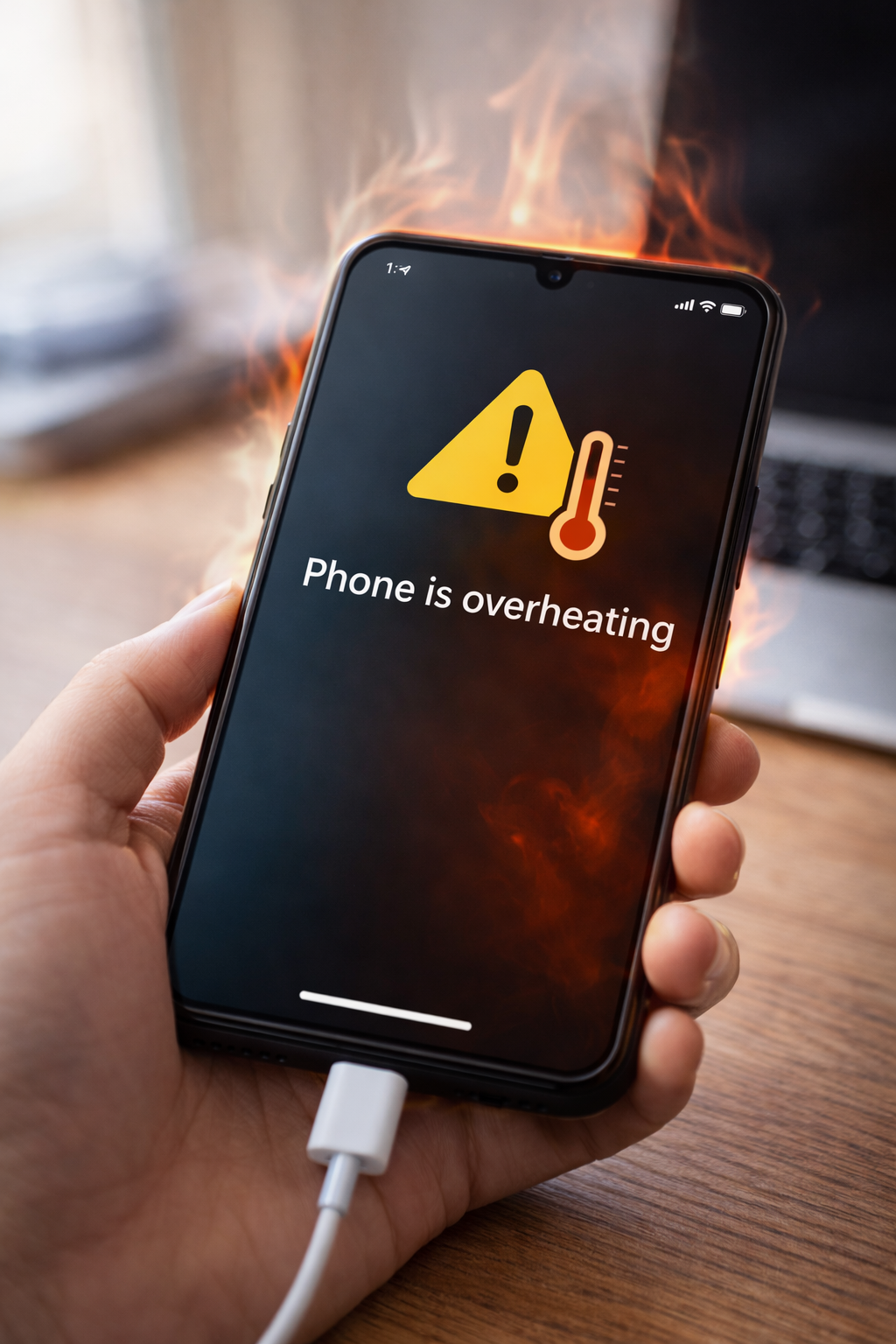
Is your phone heating up while charging? This is a common issue that many smartphone users experience. However, a phone that becomes too hot during charging should not be ignored, as overheating can damage battery health and reduce performance.
Therefore, in this guide, you will learn why phones heat up while charging and how to fix the problem using simple and safe methods.
1. Using a Low-Quality Charger or Cable
One of the most common reasons for phone heating is using a poor-quality charger or cable.
Why this happens:
- Cheap chargers deliver unstable power
- Damaged cables increase resistance
As a result, excess heat is produced while charging.
Fix:
- Use the original charger
- Replace damaged or thin cables
2. Charging While Using the Phone
Using your phone while charging puts extra load on the battery.
Common activities that cause heating:
- Gaming
- Video streaming
- Video calls
Therefore, avoid using your phone while it is charging.
3. Fast Charging Generates More Heat
Fast charging technology increases charging speed, but it can also generate heat.
Tip:
- Fast charging is normal
- Slight warmth is okay
- Excessive heat is not
If heating is severe, switch to normal charging.
4. Phone Case Trapping Heat
Some thick or tight phone cases prevent heat from escaping.
Solution:
- Remove the case while charging
- Avoid heavy protective covers during charging
Moreover, this helps the phone cool faster.
5. Charging in a Hot Environment
Charging your phone in direct sunlight or a warm place can cause overheating.
Avoid charging:
- Under pillows
- On beds or sofas
- In direct sunlight
As a result, the phone temperature stays under control.
6. Background Apps Running Continuously
Apps running in the background can increase processor usage and heat.
Fix:
- Close unused apps
- Restart the phone before charging
7. Software Bugs or Outdated System
Outdated software may cause battery and heating issues.
What to do:
- Check for system updates
- Install the latest version
For example, updates often fix overheating bugs.
8. Battery Health Problems
Old or damaged batteries are more likely to overheat.
Warning signs:
- Phone heats quickly
- Battery drains fast
- Charging feels unusually hot
In this case, battery replacement may be required.
9. Faulty Charging Port
A dirty or damaged charging port can cause unstable charging.
Fix:
- Clean the charging port carefully
- Avoid metal objects
10. Charging from Unstable Power Sources
Charging from laptops, power banks, or car chargers may cause heating.
Recommendation:
- Use a wall socket
- Avoid unstable power sources
Final Thoughts
Phone heating up while charging can be worrying; however, in most cases, the problem is easy to fix. By using the right charger, avoiding phone usage during charging, and keeping your device cool, you can prevent overheating and protect your battery.
You may also find these guides helpful: How to Fix Phone Charging Slow, How to Fix Phone Battery Draining Fast, and How to Fix WiFi Connected but No Internet.