
Phone Touch Screen Not Working? Causes and Easy Fixes
Introduction
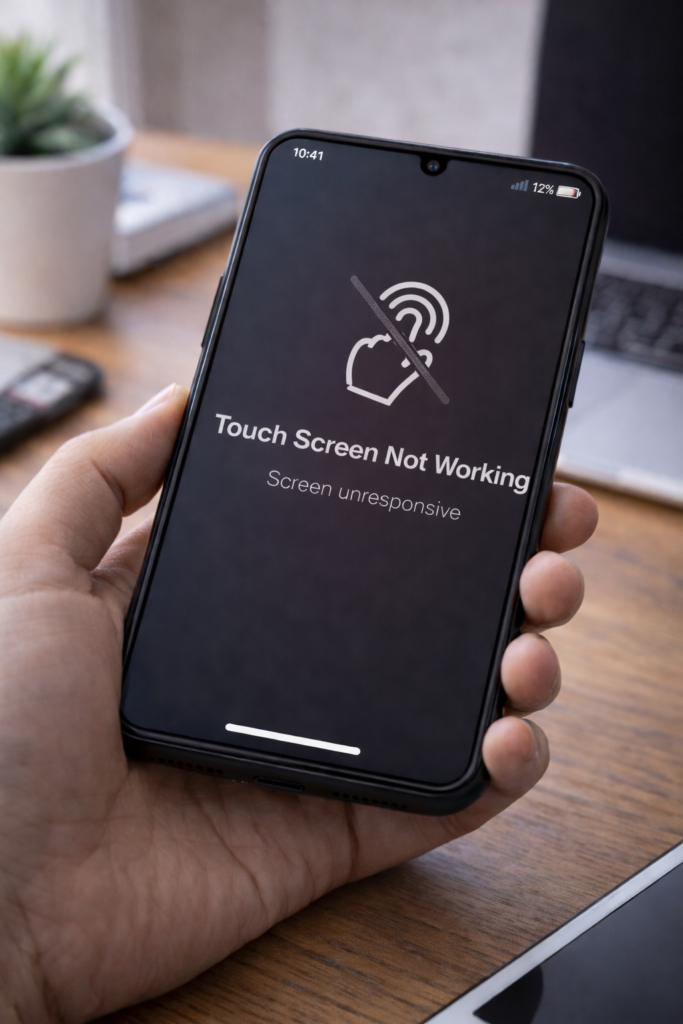
Is your phone touch screen not responding properly or completely stopped working? This problem can make your phone difficult or impossible to use. However, touch screen issues are often caused by temporary glitches, software bugs, or simple hardware problems.
Therefore, in this guide, you’ll learn the most common reasons why a phone touch screen stops working and how to fix it step by step.
1. Restart Your Phone
First, restarting your phone can fix temporary system glitches.
Why this helps:
- Clears background processes
- Refreshes system memory
As a result, the touch screen may start working normally again.
2. Clean the Screen Properly
Dirt, oil, or moisture can affect touch sensitivity.
What to do:
- Use a soft microfiber cloth
- Remove screen protectors temporarily
- Make sure the screen is completely dry
3. Remove the Phone Case
Some tight or low-quality cases can press against the screen.
Fix:
- Remove the case
- Test touch response
Moreover, this helps rule out external pressure issues.
4. Check for Software Updates
Outdated software can cause touch screen bugs.
Steps:
- Go to Settings → Software Update
- Install available updates
For example, updates often fix screen responsiveness issues.
5. Free Up Storage Space
Low storage can affect phone performance, including touch response.
Tip:
- Delete unnecessary files
- Remove unused apps
You may also read Phone Storage Full Even After Deleting Files for help.
6. Boot Phone into Safe Mode (Android)
Safe Mode helps identify problematic apps.
How to test:
- Boot into Safe Mode
- Check if the screen works properly
If it does, an app is causing the issue.
7. Check for Physical Damage
Drops or water exposure can damage the touch screen.
Warning signs:
- Cracks on screen
- Random touch inputs
- Screen flickering
In such cases, hardware repair may be needed.
8. Calibrate the Touch Screen (If Available)
Some phones allow touch calibration.
Fix:
- Use built-in calibration tools
- Follow on-screen instructions
9. Factory Reset (Last Option)
If software issues persist, a factory reset may help.
Important:
- Backup all data
- Reset only as a last option
10. Visit a Service Center
If none of the fixes work, the problem may be hardware-related.
Possible causes:
- Faulty display
- Loose internal connectors
- Damaged digitizer
Final Thoughts
A phone touch screen not working can be frustrating; however, most touch issues are caused by temporary glitches or software problems. By following the steps above, you can restore touch functionality and avoid unnecessary repairs.
You may also find these guides helpful: Phone Keeps Restarting Automatically, Phone Not Charging at All, and How to Speed Up Android Phone Without Apps.