
Phone Storage Full Even After Deleting Files? Try These Fixes
Introduction
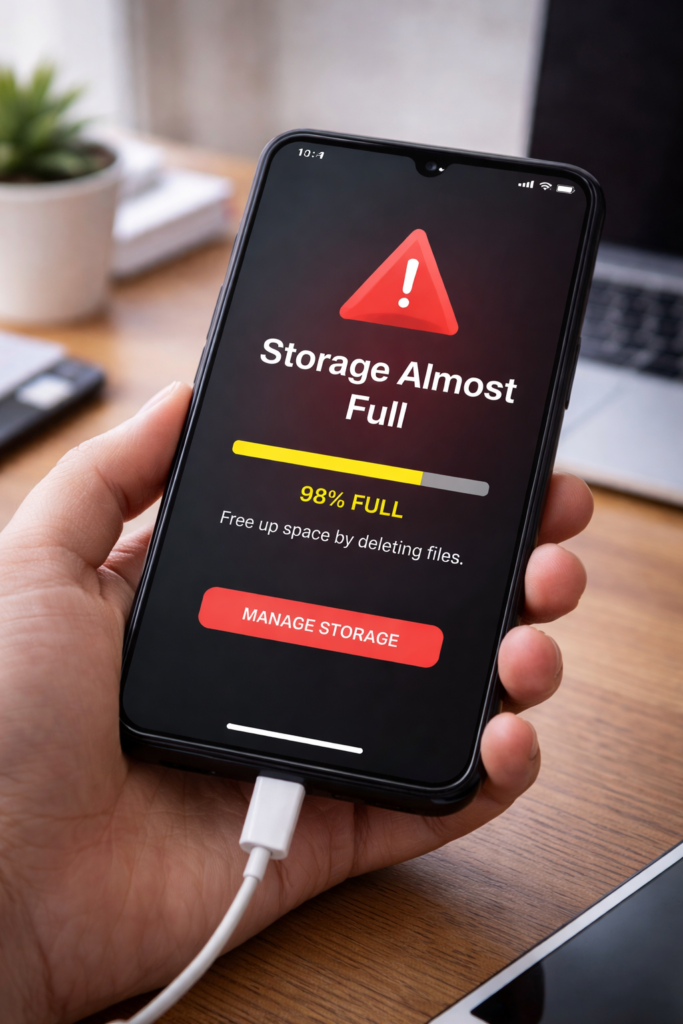
Is your phone storage still showing full even after deleting photos, videos, or apps? This is a very common problem, especially on Android phones. However, the issue is usually caused by hidden files, cached data, or system storage that users don’t notice.
Therefore, in this guide, you’ll learn easy and effective ways to fix phone storage full problems and free up space properly.
1. Restart Your Phone
First, restarting your phone refreshes system storage data.
Why this helps:
- Clears temporary system cache
- Refreshes storage calculation
As a result, available storage may update correctly.
2. Clear App Cache
Cached files can take up a lot of hidden space.
Steps:
- Go to Settings → Apps
- Select large apps (Chrome, Instagram, YouTube)
- Tap Clear Cache
3. Check Storage Breakdown
Sometimes storage space is used by system files.
What to do:
- Go to Settings → Storage
- Check categories like:
- System
- Cached data
- Other files
This helps identify the real cause.
4. Delete Files from “Trash” or “Recycle Bin”
Deleted files may still be stored in trash folders.
Fix:
- Open Gallery or File Manager
- Clear Trash / Recently Deleted
Moreover, this can instantly free space.
5. Remove Downloaded Files
Old downloads often get forgotten.
Steps:
- Open Downloads folder
- Delete unnecessary PDFs, videos, APKs
6. Uninstall Large Apps
Some apps consume large storage even if rarely used.
Tip:
- Sort apps by size
- Remove unused large apps
7. Clear WhatsApp and Messenger Media
Messaging apps store photos, videos, and voice notes.
Fix:
- Open app storage settings
- Delete old media files
As a result, storage frees up quickly.
8. Move Files to Cloud Storage
Using cloud storage reduces local storage usage.
Options:
- Google Photos
- Google Drive
9. Update System Software
Storage bugs can occur in outdated software.
Solution:
- Check for system updates
- Install latest version
For example, updates often fix storage calculation errors.
10. Factory Reset (Last Option)
If nothing works, a factory reset can solve storage issues.
Important:
- Backup all data
- Reset only if necessary
Final Thoughts
Phone storage full issues can be annoying; however, in most cases, the problem is caused by hidden files or cached data. By following the steps above, you can free up storage space and improve your phone’s performance.
You may also find these guides helpful: How to Speed Up Android Phone Without Apps and Why Phone Heats Up While Charging.