
Phone Keeps Restarting Automatically? Causes and Easy Fixes
Introduction
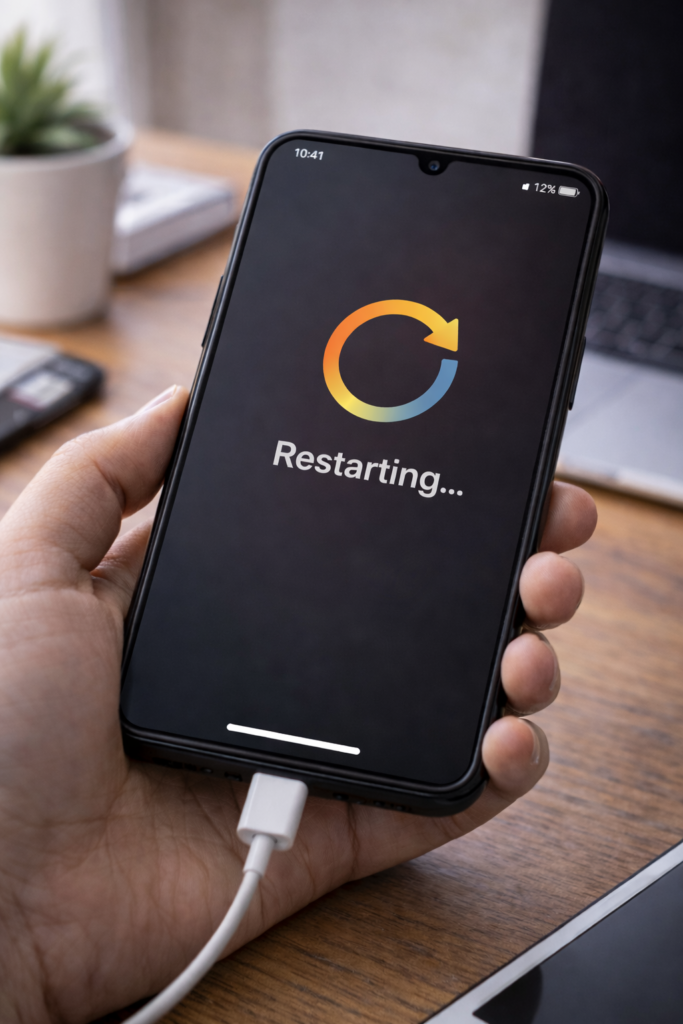
Is your phone restarting automatically without warning? This issue can be very annoying, especially when it happens repeatedly. However, random phone restarts are usually caused by software glitches, faulty apps, or hardware problems that can often be fixed at home.
Therefore, in this guide, you will learn the most common reasons why a phone keeps restarting automatically and how to stop it using simple and safe methods.
1. Restart Your Phone Properly
Sometimes a temporary system glitch causes repeated restarts.
Fix:
- Turn off the phone completely
- Wait for 1–2 minutes
- Turn it back on
As a result, the system may stabilize.
2. Remove Recently Installed Apps
Newly installed apps can cause compatibility issues.
What to do:
- Think about apps installed recently
- Uninstall suspicious or unused apps
If the restarting stops, the app was the problem.
3. Check for Software Updates
Outdated software can cause system instability.
Steps:
- Go to Settings → Software Update
- Install available updates
For example, updates often fix reboot bugs.
4. Clear Cache Partition (Android)
Corrupted cache files may cause restart loops.
How it helps:
- Removes temporary system data
- Does not delete personal files
This often fixes random restarts.
5. Check Storage Space
Low storage can affect system performance.
Fix:
- Go to Settings → Storage
- Free up space if storage is almost full
You may also read Phone Storage Full Even After Deleting Files for help.
6. Boot Phone in Safe Mode
Safe Mode helps identify problematic apps.
Steps (Android):
- Boot phone into Safe Mode
- Use it for some time
If the phone stops restarting, an app is causing the issue.
7. Check Battery Health
A damaged battery may cause sudden restarts.
Warning signs:
- Phone heats up
- Battery drains fast
- Phone restarts at low battery
In such cases, battery replacement may be required.
8. Avoid Overheating
Overheating can force the phone to restart for safety.
Tips:
- Remove phone case
- Avoid heavy usage
- Keep phone cool
You may also find Why Phone Heats Up While Charging helpful.
9. Factory Reset (Last Option)
If nothing works, a factory reset may fix the problem.
Important:
- Backup all data
- Reset only as a last option
10. Visit a Service Center
If the phone still restarts, the issue may be hardware-related.
Possible causes:
- Faulty motherboard
- Battery failure
- Power IC issue
Final Thoughts
A phone that keeps restarting automatically can be frustrating; however, the problem is often caused by apps, software bugs, or battery issues. By following the fixes above, you can stop random restarts and restore your phone’s stability.
You may also find these guides helpful: Phone Not Charging at All, Why Phone Heats Up While Charging, and How to Speed Up Android Phone Without Apps.