
Mobile Data Not Working? Common Reasons and Easy Fixes
Introduction
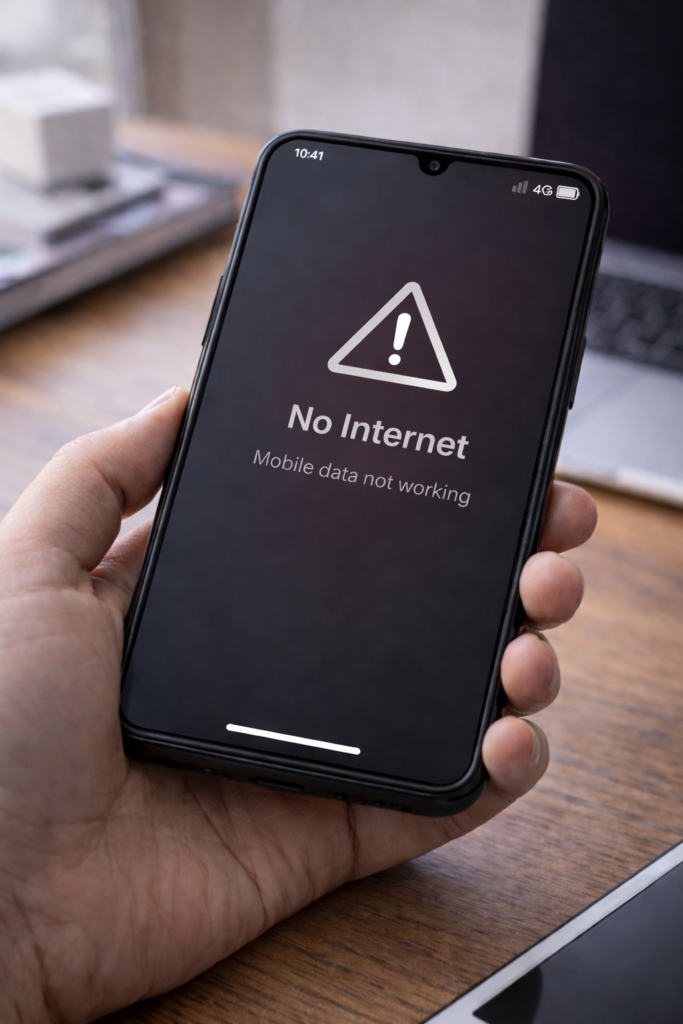
Is your mobile data not working even though you have a signal and an active data plan? This problem is very common and can happen due to network settings, software glitches, or SIM-related issues. However, most mobile data problems can be fixed quickly without professional help.
Therefore, in this guide, you’ll learn the most common reasons why mobile data stops working and how to fix it step by step.
1. Turn Mobile Data On and Off
Sometimes the connection just needs a refresh.
What to do:
- Turn off mobile data
- Wait 10–15 seconds
- Turn it back on
As a result, the connection may restore immediately.
2. Enable Airplane Mode Briefly
Airplane mode resets network connections.
Steps:
- Turn on Airplane mode
- Wait 30 seconds
- Turn it off
This often fixes minor network issues.
3. Check Data Limit Settings
Your phone may block data if a limit is set.
Fix:
- Go to Settings → Network → Data usage
- Disable data limit or increase it
4. Restart Your Phone
A simple restart can fix temporary system glitches.
Tip:
- Restart your phone
- Turn mobile data on again
5. Check APN Settings
Incorrect APN settings can stop mobile data.
What to do:
- Go to Settings → Mobile Network → Access Point Names
- Reset APN to default
If needed, contact your network provider.
6. Update Phone Software
Outdated software may cause mobile data bugs.
Steps:
- Go to Settings → Software Update
- Install the latest update
For example, updates often fix network-related problems.
7. Remove and Reinsert SIM Card
A loose or dirty SIM card can affect data connection.
Fix:
- Turn off phone
- Remove SIM card
- Clean gently and reinsert
8. Check Network Coverage
Poor signal strength can stop mobile data.
Tip:
- Move to an open area
- Try a different location
9. Reset Network Settings
Resetting network settings fixes configuration errors.
Note:
- This removes Wi-Fi, Bluetooth, and mobile settings
- It does NOT delete tell personal data
10. Contact Your Network Provider
If none of the fixes work, the issue may be from the carrier.
Possible reasons:
- Network outage
- Account-related issue
- SIM problem
Final Thoughts
Mobile data not working can be frustrating; however, in most cases, the issue is caused by simple settings or network problems. By following the steps above, you can restore your mobile data connection quickly and safely.
You may also find these guides helpful: WiFi Connected But No Internet, Phone Keeps Restarting Automatically, and How to Speed Up Android Phone Without Apps.