
Phone Not Charging at All? Common Causes and Easy Fixes
Introduction
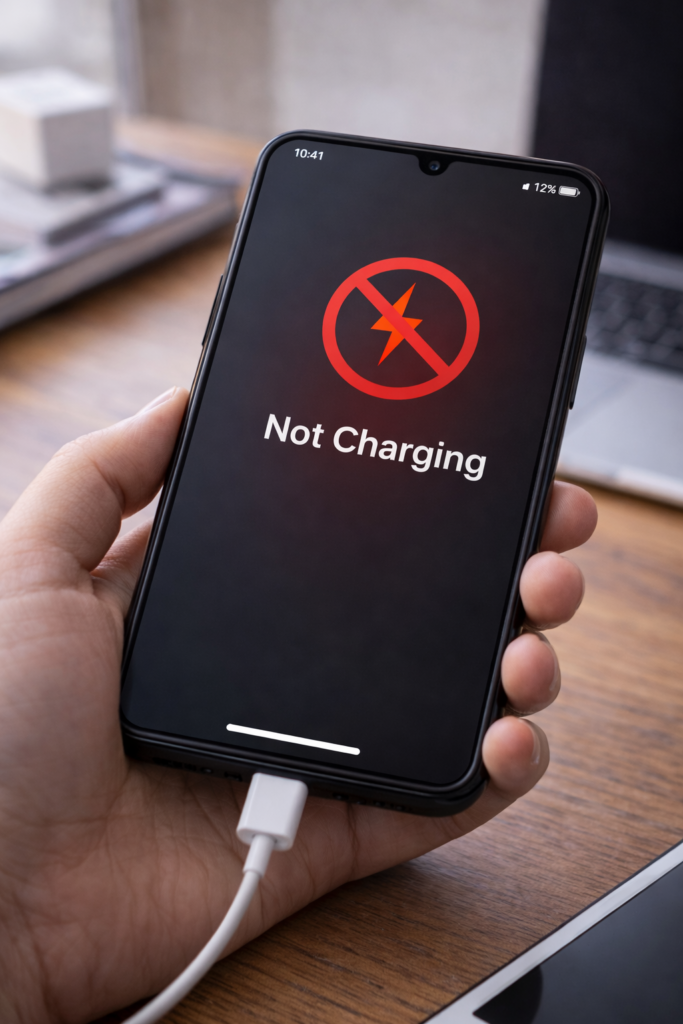
Is your phone not charging at all even after plugging it in properly? This problem can be frustrating, especially when your phone battery is low. However, in most cases, the issue is caused by simple hardware or software problems that can be fixed at home.
Therefore, in this guide, you’ll learn the most common reasons why a phone is not charging and how to fix the issue step by step.
1. Check the Charging Cable
A damaged charging cable is one of the most common causes.
What to do:
- Try a different cable
- Avoid cheap or thin cables
- Use the original charger if possible
As a result, charging may start immediately.
2. Inspect the Charging Adapter
Sometimes the adapter stops working even if the cable looks fine.
Fix:
- Try another wall adapter
- Plug into a different power socket
3. Clean the Charging Port
Dust and lint inside the charging port can block connection.
Safe cleaning steps:
- Turn off your phone
- Use a wooden toothpick or soft brush
- Never use metal objects
4. Restart Your Phone
Software glitches can prevent charging.
Tip:
- Restart your phone
- Plug the charger again
This often fixes temporary issues.
5. Check for Software Updates
Outdated software may cause charging bugs.
Steps:
- Go to Settings → Software Update
- Install available updates
For example, updates often fix charging problems.
6. Try Charging in Safe Mode (Android)
Some apps may interfere with charging.
How to test:
- Boot phone into Safe Mode
- Plug in charger
If charging works, an app is causing the issue.
7. Avoid Using Phone While Charging
Using your phone while charging may prevent it from charging properly.
Recommendation:
- Let the phone charge without usage
8. Check Battery Health
Old or damaged batteries may stop charging completely.
Warning signs:
- Phone heats up
- Battery drains fast
- Charging percentage stuck
In such cases, battery replacement may be needed.
9. Try Wireless Charging (If Supported)
If wired charging fails, wireless charging may still work.
This helps confirm whether the charging port is faulty.
10. Visit a Service Center
If none of the above fixes work, the problem may be hardware-related.
Possible issues:
- Damaged charging port
- Battery failure
- Internal circuit issues
Final Thoughts
A phone not charging at all can be stressful; however, in most cases, the solution is simple. By checking your charger, cleaning the charging port, and updating software, you can fix the problem without professional help.
You may also find these guides useful: How to Fix Phone Charging Slow, Why Phone Heats Up While Charging, and Phone Storage Full Even After Deleting Files.